🇲🇾 Cloud PBX, Business VoIP & SIP Trunk Solutions — Web ASP Sdn Bhd
Cloud PBX for Malaysian SMEs, branches and call teams

A Business Phone System That Keeps Every Team Connected

Manage office lines, extensions, IVR, call routing, recordings and call reports in one cloud-based phone system. Receptionists, office staff and remote workers can answer business calls using supported IP phones, desktop clients or mobile clients.

Business DID Numbers IVR & Call Routing Office & Remote Users Call Reports Call Center Plans
Plans from RM89/month SME and SCALE options
Cloud PBX business phone system in Malaysia
Local Setup & Support Malaysia-based assistance
16+ Years Local Experience
·
SME & Call Center Plans
·
Desktop & Mobile Clients
·
IVR & Call Routing
·
From RM89/month
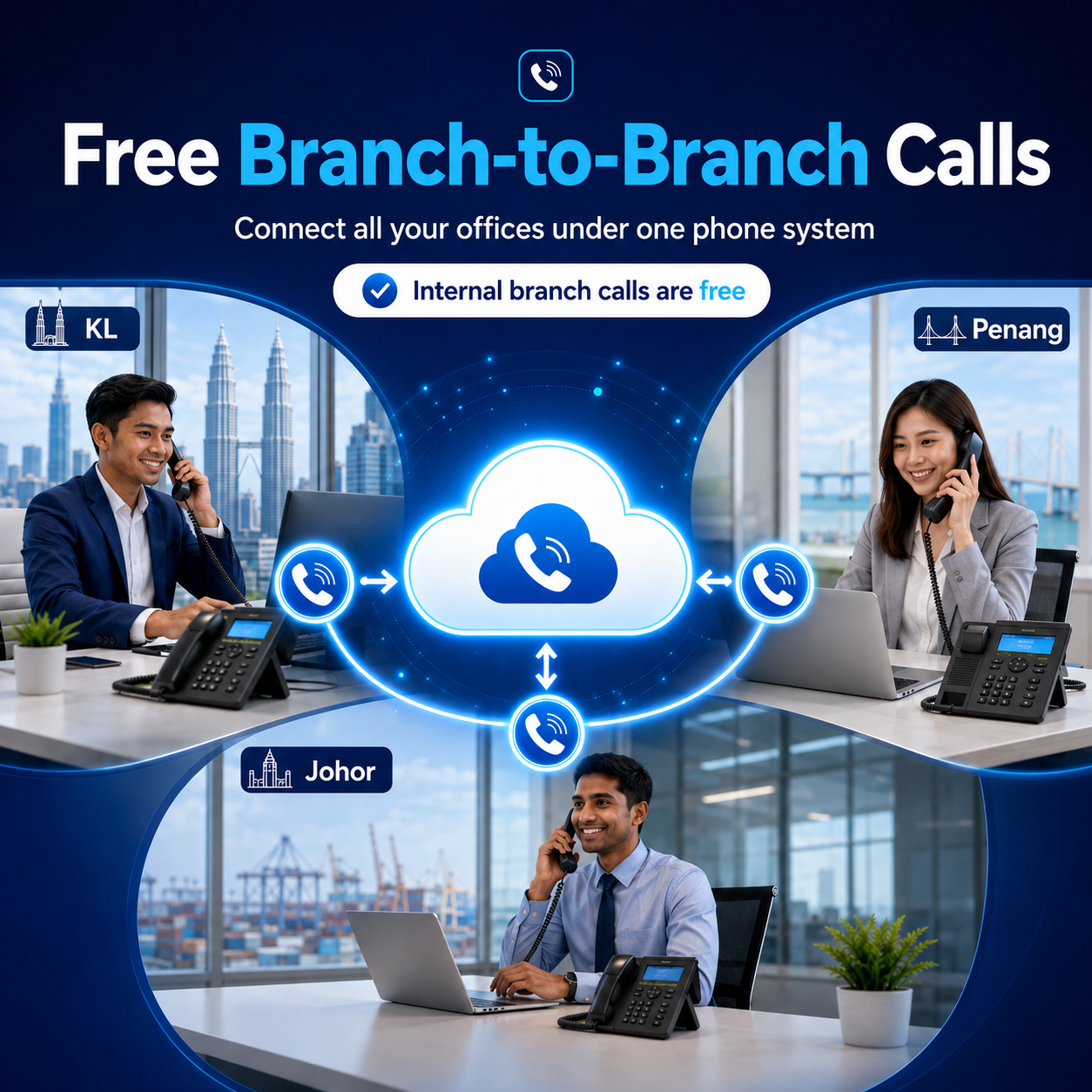
Malaysian business teams using Cloud PBX for free branch-to-branch calls
Free Internal Branch Calls
Multi-Branch Advantage

Call Between Your Branches for Free

If your company has teams in Kuala Lumpur, Penang, Johor or other locations, Cloud PBX keeps everyone on the same business phone system. Staff can call one another using internal extensions without paying normal local or mobile call charges for branch-to-branch conversations.

Branch-to-branch calls are free for Cloud PBX / VoIP customers
  • Reduce inter-office calling cost
    Use internal extensions for routine calls between branches.
  • One extension directory
    Make it easier for staff to reach colleagues across different locations.
  • Faster call transfers
    Transfer customers directly to the right branch or team member.
  • Works for growing teams
    Add branches and users under the same Cloud PBX setup as your business expands.

Free calling applies to internal branch-to-branch calls within the configured Cloud PBX / VoIP environment. External PSTN, mobile and IDD calls use the applicable call rates or prepaid credit.

RM89
SME Cloud PBX Plans From
40
Extensions Available on SCALE-40
16
Concurrent Calls on SCALE-40
2
Desktop and Mobile Client Options
What is Cloud PBX?

Your Business Calls,
Managed Through the Cloud

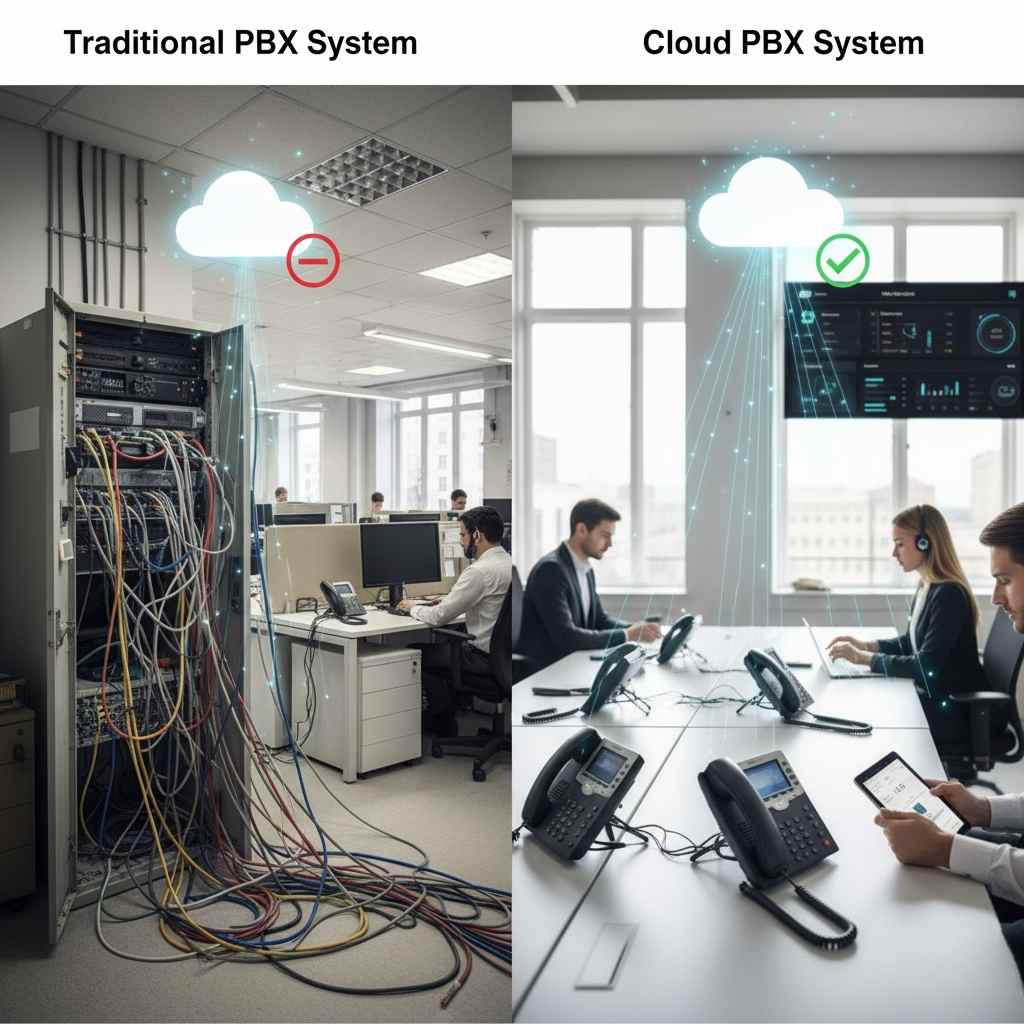
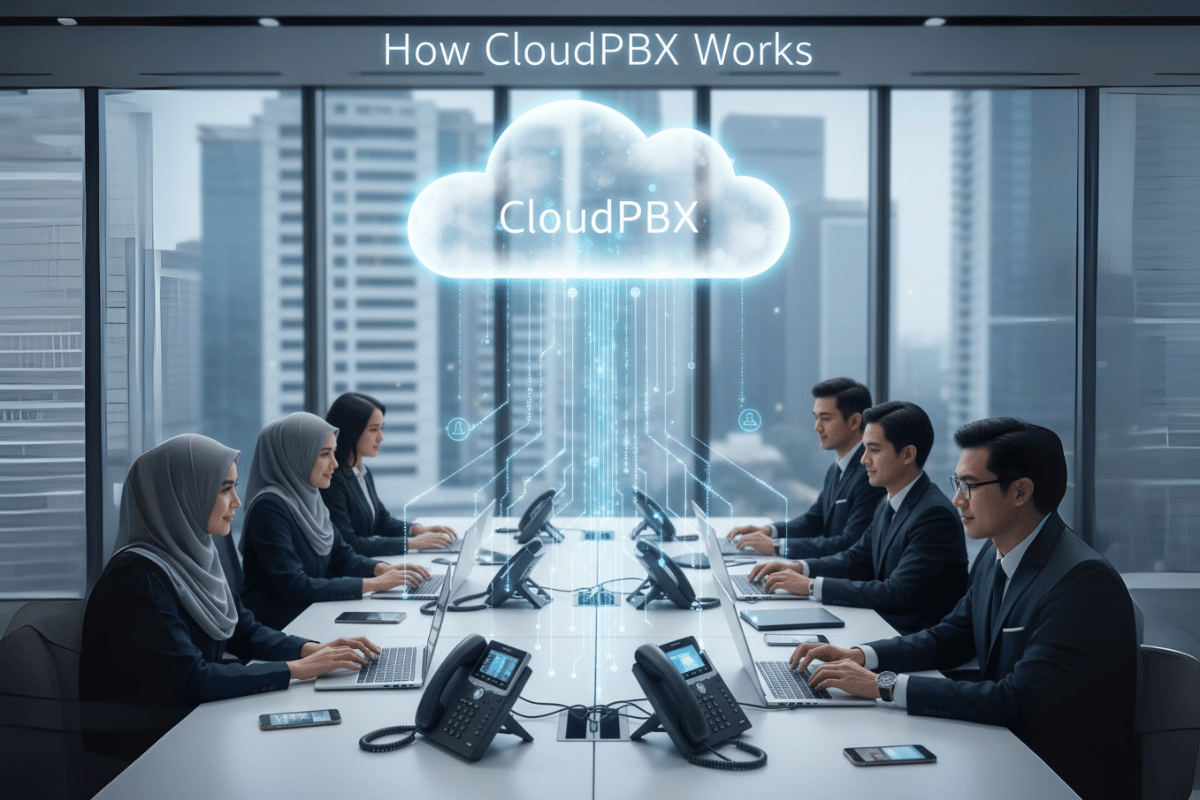
Cloud PBX replaces a traditional on-site PBX server with a hosted business phone system. Your company can manage main lines, extensions, IVR menus, call routing, recordings and call reports without maintaining a PBX server at the office.

  • Give Customers One Professional Contact Point Use a main business number and direct callers to reception, sales, support or other departments through IVR and routing rules.
  • Connect Office, Branch and Remote Users Staff can share the same business phone system while using supported IP phones, desktop clients or mobile clients.
  • See What Happens to Business Calls Review call records, missed calls, recordings and available performance reports instead of relying only on manual updates.
  • Select Capacity That Matches Your Operation Choose the number of extensions and concurrent calls based on your current team, call volume and expansion plans.
Learn More About Cloud PBX
How a cloud PBX connects office and remote users
RM89
SME plans from / month
Comparison

A More Flexible Way to Run Business Calls

Move away from a phone system tied to one office and give your team a clearer, more manageable calling structure.

Traditional On-Site PBX
  • PBX hardware must be installed and maintained at the office
  • Staff are usually tied to desk phones and office locations
  • Adding users or changing call flows may require technical work
  • Multi-branch and remote access can require additional setup
  • Call records and recordings may be harder for managers to access
  • Expanding call capacity can require more hardware
CloudPBX.my
  • Hosted phone system without an on-site PBX server
  • Supported IP phone, desktop and mobile client options
  • IVR, extensions and call routing configured for your workflow
  • Office, branch and remote users can share one system
  • Call reports, missed-call visibility and recording options
  • Plans based on user count and simultaneous call capacity
View Full Comparison
Business Benefits

Make It Easier for Customers to Reach the Right Person

A good phone system should improve call handling, support flexible working and give management better visibility without making daily work more complicated.

Present a More Professional Main Line

Use IVR greetings, department options, ring groups and call routing to guide callers to the appropriate team instead of depending on one person to handle every call.

IVRfor structured incoming call handling

Keep Office and Remote Staff Reachable

Receptionists can use supported IP phones while other users answer business calls from desktop or mobile clients, subject to the selected setup and internet connection.

Flexibledevice options for different roles

Connect Departments and Branches

Organise extensions for offices, departments and remote users under one phone system so calls can be transferred internally without publishing personal numbers.

One systemfor multiple teams and locations

Identify Calls That Need Follow-Up

Review missed and unanswered calls through available call records and analytics so your team can focus follow-up on enquiries that may otherwise be overlooked.

Visiblemissed and answered call activity

Use Recordings for Review and Training

Call recording helps supervisors check important conversations, support staff coaching and maintain a clearer reference when customer details need to be reviewed.

Recordedcall reference within plan allowance

Choose Capacity Without Guesswork

Select a package based on extensions and concurrent calls. This helps avoid paying for an oversized system while leaving room for a busier sales, service or reception team.

4–40extension options across available plans
Discuss Your Calling Requirements
Solutions

Choose the Solution That Fits How Your Team Handles Calls

Whether you need a simple office phone system, a structured call center setup or SIP connectivity for an existing PBX, the solution can be planned around your users, numbers and call volume.

AlienCloud SCALE Call Center

For reception, sales and customer service teams that need more extensions, higher simultaneous call capacity, an operator panel and wallboard visibility.

  • 10–40 extensions
  • 4–16 concurrent calls
  • Complete inbound call center solution
  • Operator panel and wallboard
  • Call reports and recording allowance
  • Linkus Chat, desktop and mobile clients
Starting from RM119/month
Compare SCALE Plans

SIP Trunking for an Existing PBX

Keep a compatible IP PBX and use SIP connectivity for Malaysian business calls, DID numbers and additional call channels.

  • Works with compatible IP PBX or SBC setups
  • Malaysian DID number options
  • Add channels based on simultaneous calls
  • Prepaid outbound calling
  • Local, mobile and IDD calling options
  • Business registration verification required
Pricing based on channels & usage
Explore SIP Trunking

Call Analytics and Performance Visibility

Use available AlienVoIP analytics to understand call activity, identify missed-call follow-up needs and review how extensions or agents handle business calls.

  • Call detail records and call history
  • Missed, answered and outbound call visibility
  • Extension and agent performance views
  • Peak-hour and call-volume trends
  • Management reporting support
  • Analytics scope depends on selected setup
Available as an analytics solution
View Call Analytics
SCALE Pricing

Select the capacity your team needs for users and simultaneous calls

Choose based on your total extensions and the maximum number of external calls that may happen at the same time. Every SCALE plan includes the core inbound call center solution, operator panel, wallboard, call reports, Linkus Chat, desktop client and mobile client.

SCALE-10
RM119/ month
A practical starting point for a reception, enquiry or small service team.
10Extensions
4Concurrent calls
  • 500 minutes call recording
  • Complete inbound call center solution
  • Operator panel and wallboard
  • Insightful call reports
  • Linkus Chat
  • Desktop and mobile clients
SCALE-30
RM299/ month
For larger departments that need more users and simultaneous call handling.
30Extensions
12Concurrent calls
  • 500 minutes call recording
  • Complete inbound call center solution
  • Operator panel and wallboard
  • Insightful call reports
  • Linkus Chat
  • Desktop and mobile clients
SCALE-40
RM389/ month
For higher-volume service operations that need the largest published SCALE capacity.
40Extensions
16Concurrent calls
  • 500 minutes call recording
  • Complete inbound call center solution
  • Operator panel and wallboard
  • Insightful call reports
  • Linkus Chat
  • Desktop and mobile clients
Prices are subject to 8% SST.
Minimum 12-month subscription with advance payment.
One-time activation fee: RM300.
Additional inbound channel or DID: RM10/month, subject to approval.
Outbound calls are prepaid; Malaysia local/mobile rates start from RM0.08/min.
Additional 10,000 recording minutes: RM80/month.
Business registration and address verification documents are required.
IDD calls are charged separately.
How It Works

Plan the Right Setup in 4 Practical Steps

The best package depends on how many people need extensions, how many calls happen at the same time and where your staff will answer those calls.

1

Share Your Calling Requirements

Tell us your number of users, office and remote staff, required DID numbers, expected concurrent calls and preferred devices.

2

Choose the Right Package

We recommend an SME or SCALE plan based on actual capacity needs rather than simply choosing the largest package.

3

Configure Numbers and Call Flow

Your extensions, IVR menu, department routing, business hours and supported phones or clients are prepared for the agreed setup.

4

Go Live with Local Support

Your team receives setup guidance and training so receptionists, office users and remote staff know how to answer and transfer calls.

Request Free Consultation
Features

Everything Your Business Needs to Communicate

Business calling features for office, branch, remote and call center teams

Multi-Level IVR Auto-Attendant

Professional voice menus that greet callers and route them to the right department automatically, 24/7.

Intelligent Call Routing

Route calls by time, extension, agent availability, caller ID, or custom business rules.

Call Queuing & Ring Groups

Queue calls during busy periods and distribute them across teams with configurable ring strategies.

Call Recording

Record all or selected calls automatically. Access recordings anytime via the web dashboard.

Voicemail to Email

Receive voicemail audio files by email with caller details, subject to the configured mailbox settings.

Music on Hold & Custom Greetings

Upload your own hold music, promotional messages, or custom greetings for a professional experience.

Web-Based Admin Dashboard

Manage extensions, users, call routes, and system settings from any browser — no technical expertise needed.

Extension Management

Add, remove, or modify extensions in minutes. Set individual permissions, forwarding rules, and DND status.

Business Hours & Holiday Routing

Automatically route calls differently after hours, on weekends, and during Malaysian public holidays.

Virtual Numbers & DIDs

Get local Malaysian numbers for different regions or departments, all managed through one Cloud PBX system.

Call Transfer & Park

Warm and blind transfer, call parking, and pickup groups for smooth team call handling.

Conference Calling

Built-in conference rooms for multi-party calls — no external services needed.

BizCloud Softphone (iOS & Android)

Your business number on any smartphone. Make and receive calls, access the directory, and manage settings on the go.

Desktop Softphone

Windows and Mac softphone clients for office staff who prefer calling from their computers.

Push Notifications

Receive mobile call notifications through the supported client, subject to device, app and network settings.

Multi-Branch Connectivity

Connect all your offices and branches under one PBX system with free inter-branch calls.

Yealink IP Phones

Compatible with the full range of Yealink IP phones — from basic desk phones to advanced video conferencing endpoints.

International Calling

IDD calling is available with destination-based rates charged separately from the monthly subscription.

Real-Time Call Dashboard

Live view of active calls, queue status, agent availability, and system performance at a glance.

CDR Call Detail Records

Full call history with timestamps, duration, direction, agent, and outcome — exportable to CSV.

Agent Performance Reports

Individual agent scorecards showing call count, duration, answer rate, and missed calls.

VoIP Call Analytics

Review call trends, peak periods, missed calls and available performance indicators to support management follow-up.

Scheduled Email Reports

Use available call reports to support regular management review and operational follow-up.

Missed Call Alerts

Identify missed and unanswered calls so the responsible team can follow up on important enquiries.

Call Analytics

Turn Call Activity into Clearer Management Visibility

AlienVoIP analytics helps businesses review how calls are handled, where enquiries are missed and which periods place the most pressure on the team.

Call Records

Review Incoming and Outgoing Call Activity

Use call detail records to check call direction, time, duration, extension and available call outcomes when reviewing daily operations.

  • Incoming, outgoing and missed calls
  • Call time and duration
  • Extension or agent reference
  • Searchable call history
View AlienVoIP Analytics
Follow-Up

Identify Missed Enquiries Earlier

See unanswered and missed-call activity more clearly so sales or service teams can prioritise calls that may need a response.

  • Missed-call visibility
  • Answered-call comparison
  • Peak call periods
  • Better follow-up planning
Discuss Analytics Requirements
Performance

Understand Team and Extension Workload

Compare available activity indicators across extensions or agents to understand workload, response patterns and areas that need operational attention.

  • Call volume by extension
  • Answered and missed activity
  • Call-duration patterns
  • Management reporting support
Explore Reporting
Omnichannel View

Review Communication Trends Across Channels

For businesses using more than one communication channel, Omnichannel Analytics provides a broader reporting view to support customer-service and management review.

  • Broader communication reporting
  • Trend and activity comparison
  • Management overview
  • Scope depends on selected services
View Omnichannel Analytics
Industries

Trusted Across Every Industry in Malaysia

CloudPBX.my delivers tailored communication solutions for businesses across all sectors

High-Volume Customer Service

Handle peak-hour call volumes with intelligent call queuing and routing. Never keep a customer on hold too long — distribute calls across available agents automatically.

Multi-Store Management

Connect all retail outlets under one unified phone system. Transfer calls between stores, share directories, and manage all locations from a single dashboard.

After-Hours Call Handling

Use after-hours IVR, voicemail or agreed routing rules to give callers a clear next step when the business is closed.

Appointment Management

Reduce no-shows with clear appointment confirmation calls and automated routing to the scheduling team. IVR allows patients to select departments directly.

Priority Enquiry Routing

Route priority enquiries to the appropriate appointment, service or on-call team based on the agreed call flow.

Organised Patient Enquiries

Separate appointment, billing and general enquiries into clear call options so patients can reach the correct department more efficiently.

Parent & Student Hotlines

Dedicated IVR menus for admissions, academic enquiries, and administrative departments — routing callers to the right staff without manual transfer.

Multi-Campus Connectivity

Connect your main campus and satellite campuses under one phone system with free inter-campus calls and shared extension directories.

Admissions Call Tracking

Track all admissions calls with CDR reports and recordings. Review admissions call activity and identify peak enquiry periods for staffing and follow-up planning.

Professional First Impressions

A professional IVR auto-attendant ensures every client call is answered professionally — even when all staff are busy or out of office.

Remote Professional Working

Lawyers, consultants, and financial advisors can receive client calls on their business number from anywhere via the BizCloud softphone app.

Call Recording for Reference

Record selected business calls for review, staff training and reference, within the recording allowance and access permissions of the selected plan.

Property Enquiry Hotlines

Dedicated numbers for different property projects, routed to the right sales agents. Track which projects generate the most enquiries.

Agent Mobility

Property agents can answer business enquiries through supported mobile or desktop clients while remaining connected to the company phone system.

Sales Call Analytics

Track agent call activity, measure follow-up rates, and understand peak enquiry times to optimize your sales team's performance.

Driver & Depot Connectivity

Keep drivers, depot staff, and office teams connected through one unified system — no more personal mobile bills for business calls.

Multi-Location Coordination

Connect warehouses, distribution centers, and head office under one phone system with free internal calls nationwide.

24/7 Customer Service

After-hours IVR captures delivery enquiries and urgent requests, routing to on-call staff or recording voicemails for follow-up.

Common Setups

A Cloud PBX Setup Planned Around How Your Team Actually Works

Many businesses need more than a price list. They need the correct mix of users, numbers, devices and simultaneous call capacity.

One Receptionist, Office Staff and Remote Workers

A typical hybrid setup may include one receptionist using an IP phone, several office staff using desktop clients and remote staff answering through mobile or desktop clients.

The system can be planned with a main office line, additional DID numbers, direct extensions, IVR routing and enough concurrent calls for the expected busy period. This avoids choosing a package based only on headcount.

Plan Your Cloud PBX Setup
Cloud PBX setup for receptionist, office and remote staff
1
Main Reception Number
Office + Remote
Users on One Phone System
4–16
SCALE Concurrent Call Options
Dashboard

Manage Core Phone Settings from One Web Dashboard

Manage extensions, call routes, recordings and available reports through the Cloud PBX web interface, based on your package and access level

cloudpbx.my — Admin Dashboard
CloudPBX Malaysia Admin Dashboard
Explore All Features Request a Demo
Our Customers

Trusted by Malaysian Business Leaders

See the professional Cloud PBX setups we've delivered for businesses across Malaysia

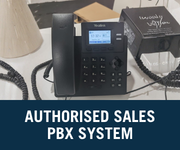
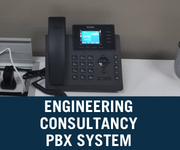
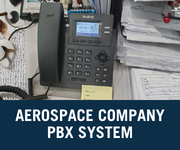
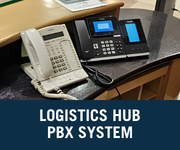
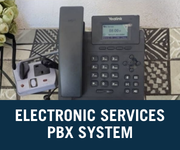
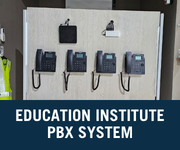
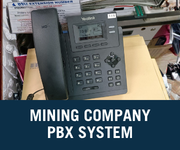
Cloud PBX Customer Setup Malaysia
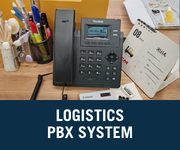
Business VoIP Setup Malaysia
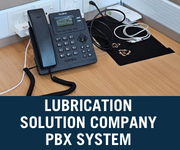
Office Phone System Malaysia
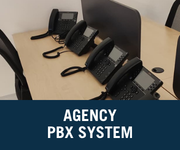
Yealink IP Phone Setup Malaysia
Cloud PBX Installation Malaysia
Business Phone Installation Malaysia
Frequently Asked Questions

What Businesses Usually Ask Before Choosing a Plan

These answers explain the practical information needed to recommend the correct Cloud PBX or SCALE setup.

How do I choose the right Cloud PBX or SCALE plan?

Start with the number of users or extensions, the maximum number of simultaneous external calls, the DID numbers required, staff locations and whether users need IP phones, desktop clients or mobile clients.

What is the difference between extensions and concurrent calls?

Extensions are the users or devices registered to the phone system. Concurrent calls are the number of external calls that can take place at the same time.

Can office and remote staff use the same Cloud PBX system?

Yes. Office users can use supported IP phones or desktop clients, while remote staff can use desktop or mobile clients with a suitable internet connection.

Does CloudPBX.my connect directly to third-party CRM platforms?

No. The Cloud PBX solution focuses on business calling, extensions, IVR, routing, recording and call analytics. It does not directly integrate with third-party CRM platforms.

Are outbound call charges included in the monthly SCALE fee?

Outbound calls use prepaid credit. Malaysia local and mobile call rates start from RM0.08 per minute, while IDD calls are charged separately.

What documents are required for a Malaysian business number?

Business registration and address verification documents are required. DID number availability and approval remain subject to the relevant requirements.

Not Sure Which Plan Matches Your Call Volume?

Share your number of users, required DID numbers, office and remote locations, preferred devices and maximum simultaneous calls. Our team will recommend a practical Cloud PBX or SCALE setup for your operation.

Malaysia-based support  ·  SME plans from RM89/month  ·  SCALE plans from RM119/month